Screenshots for pikdev V1.4.x

Click to see full-size image
- New code editor, with syntax highlight for C or ASM code
- Reconfigurable toolbars
- Parsing of C or asm code that allows a fast navigation in source code
- Multi buffers, history, bookmarks, etc..
Click to see full-size image
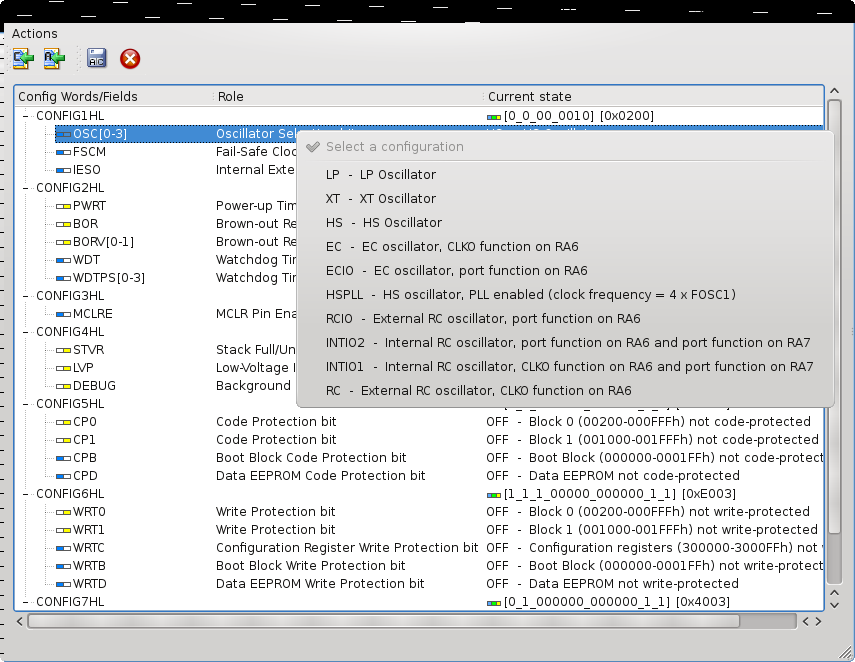
- Generated code (C or ASM) can be directly dragged to any editor
- Generated code can be saved in a file, then included in source code
- Support for old _CONFIG directive, or newer CONFIG directive for PIC18 devices
Click to see full-size image
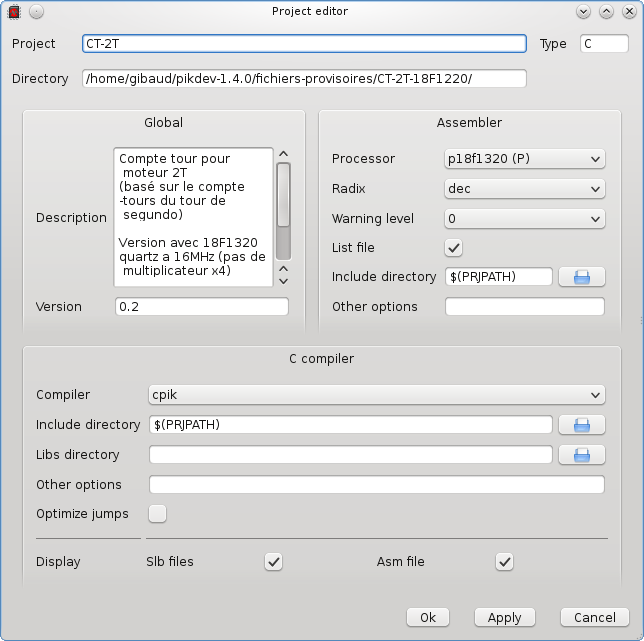
- Project settings and documentation can be edited at any moment

Click to see full-size image
- Inline documentation for all currently available PIC devices
- Uses the documentation coming from the gputils project

Click to see full-size image
- Any data (program, config bits, EEPROM) can be edited before chip programming
- Support for PicKit2, parallel or serial programmers

Click to see full-size image
- Configuration widget for external tools
Click to see full-size image
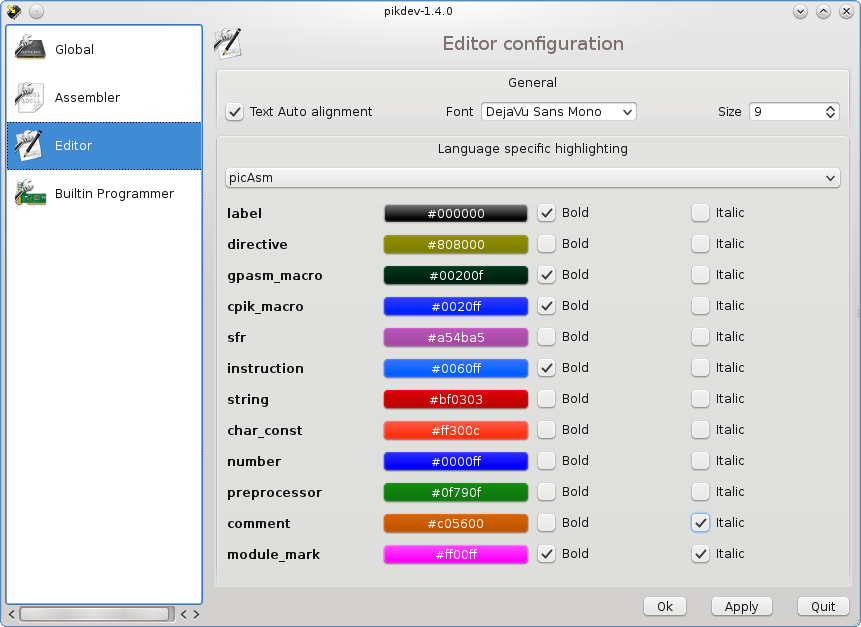
- Configuration widget for editor
Screenshots for pikdev V1.2.x, and older
Click to see full-size image
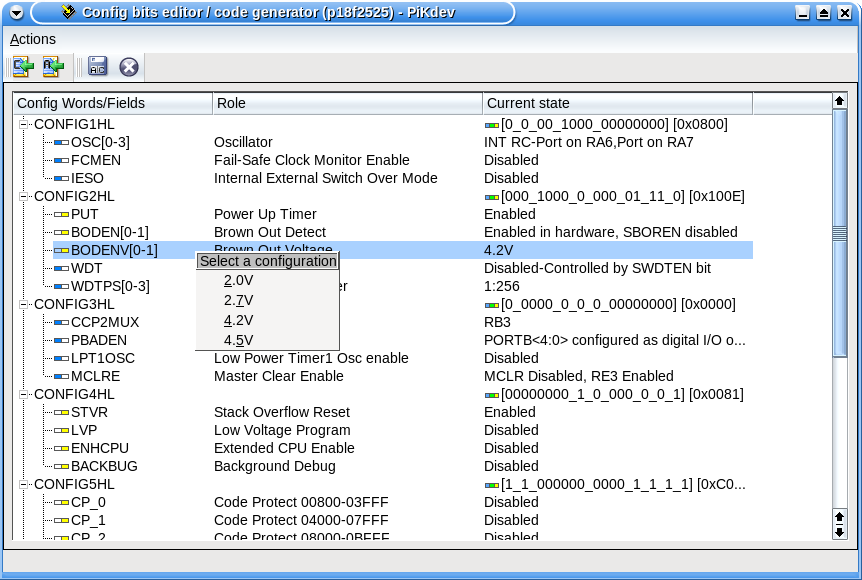
- Allows to choose the CONFIG bits settings
- Automatic generation of source code in C or ASM
- Generated code may be #include(d), or dragged to editor
Click to see full-size image
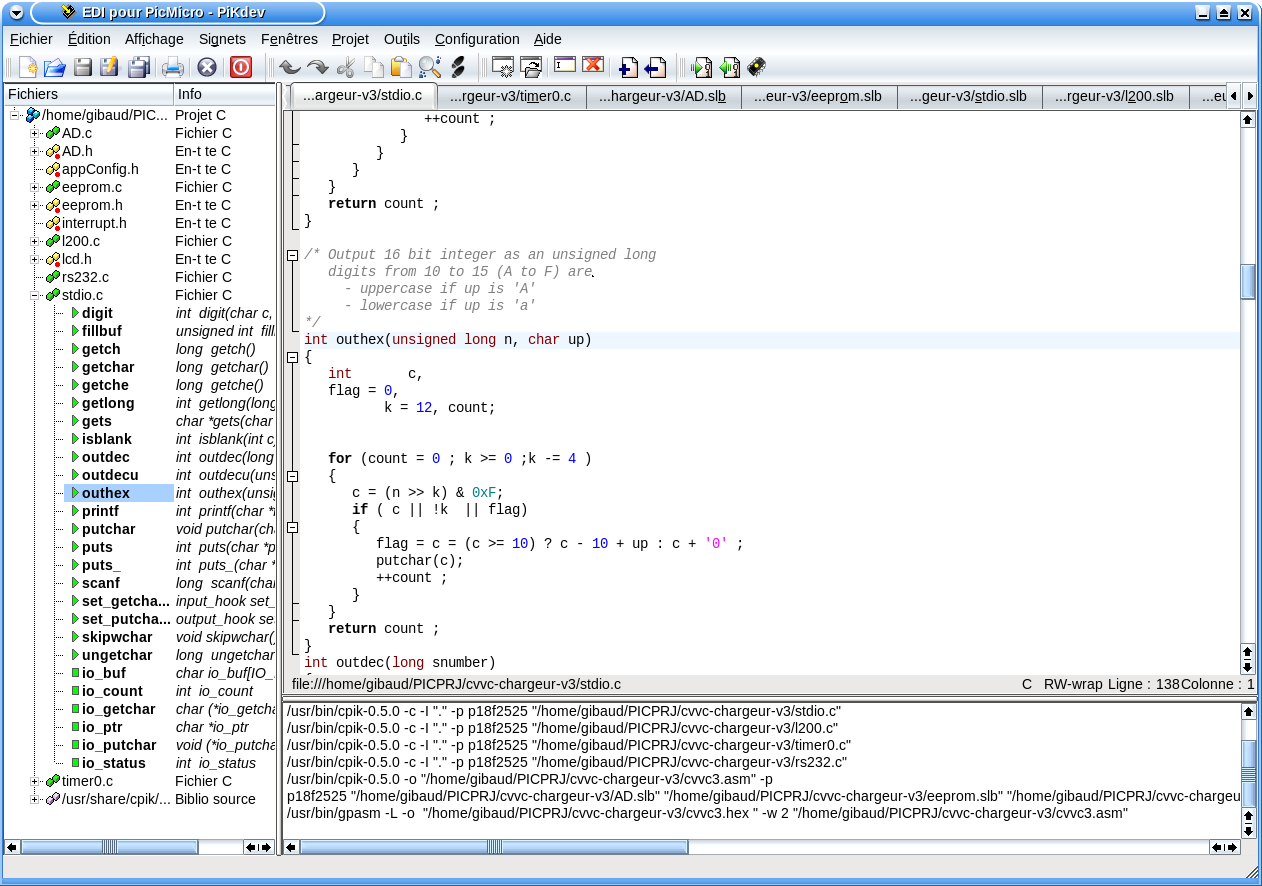
- Automatic analysis of C source code and SLB asm code
- Direct access to each function, global data or type definition/declaration from the project widget (this screenshot shows a C project written with the cpik C compiler).
Click to see full-size image
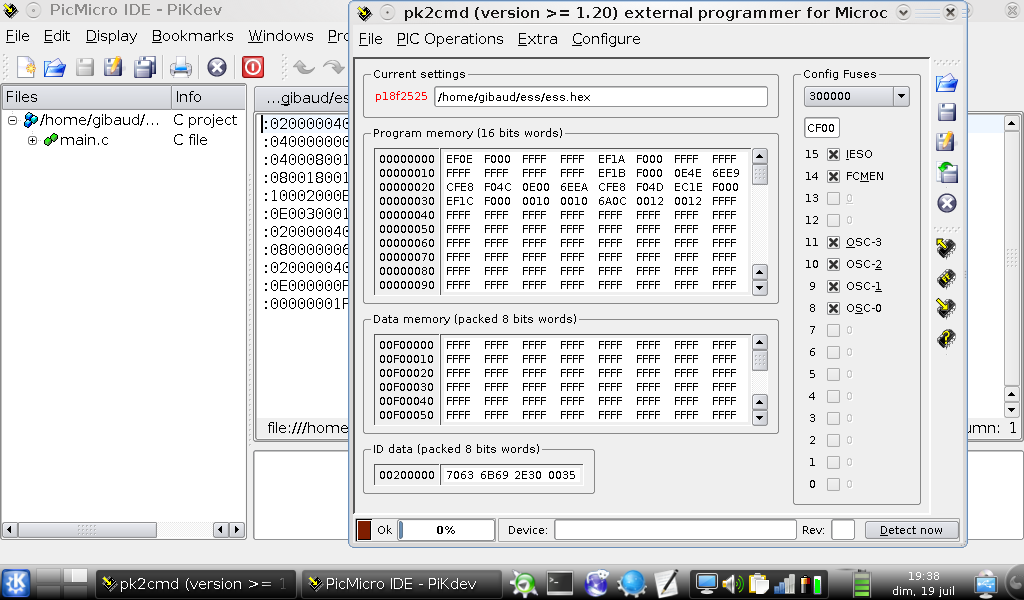
- Improved dialogs for 800x1024 screen size
- Perfectly runs under KDE4, with KDE3 libs
Click to see full-size image
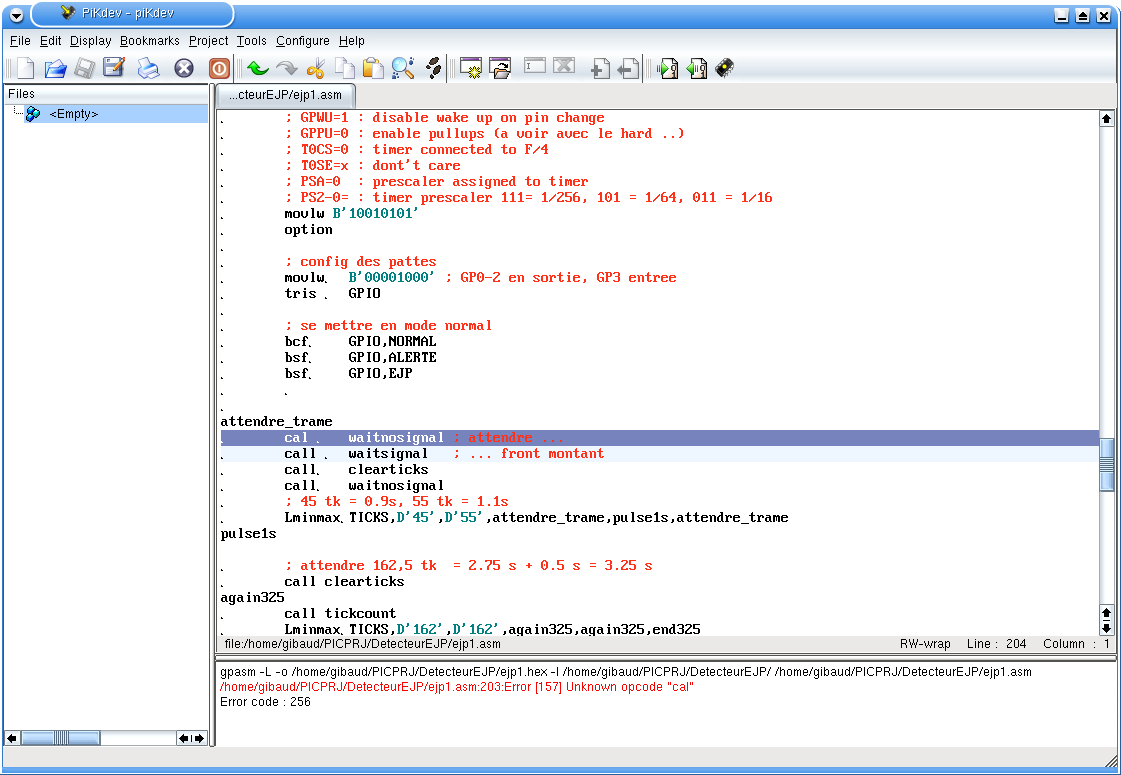
- Multi buffers editor,
- Any editing view can be splitted,
- Line numbering,
- Bookmarks,
- Syntax highlighting, code folding
- Automatic indentation of C source code (need astyle)
- Search, Find next, Find previous, Replace, Undo, Redo, Cut, Copy, Paste, GotoLine, Print, Comment, Uncomment editing functions.
- Direct access to gpasm,
- Direct access to gpdasm,
- Direct access to assembly errors,
- Toolbar reconfiguration

Click to see full-size image
- Direct access to gpasm and gplink
- C or ASM languages project tree widget with popup menus and support for drag' n drop
Click to see full-size image
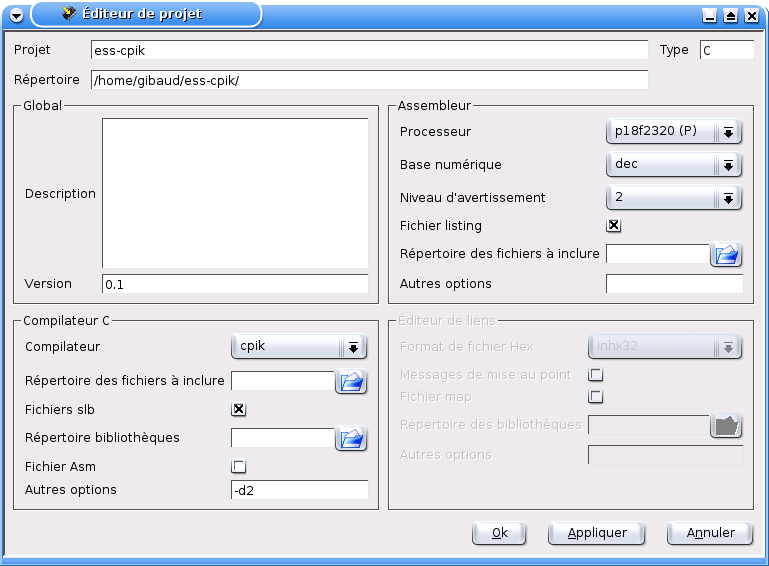
- Config of asm related parameters
- Config of C language related parameters
- Config of link related parameters
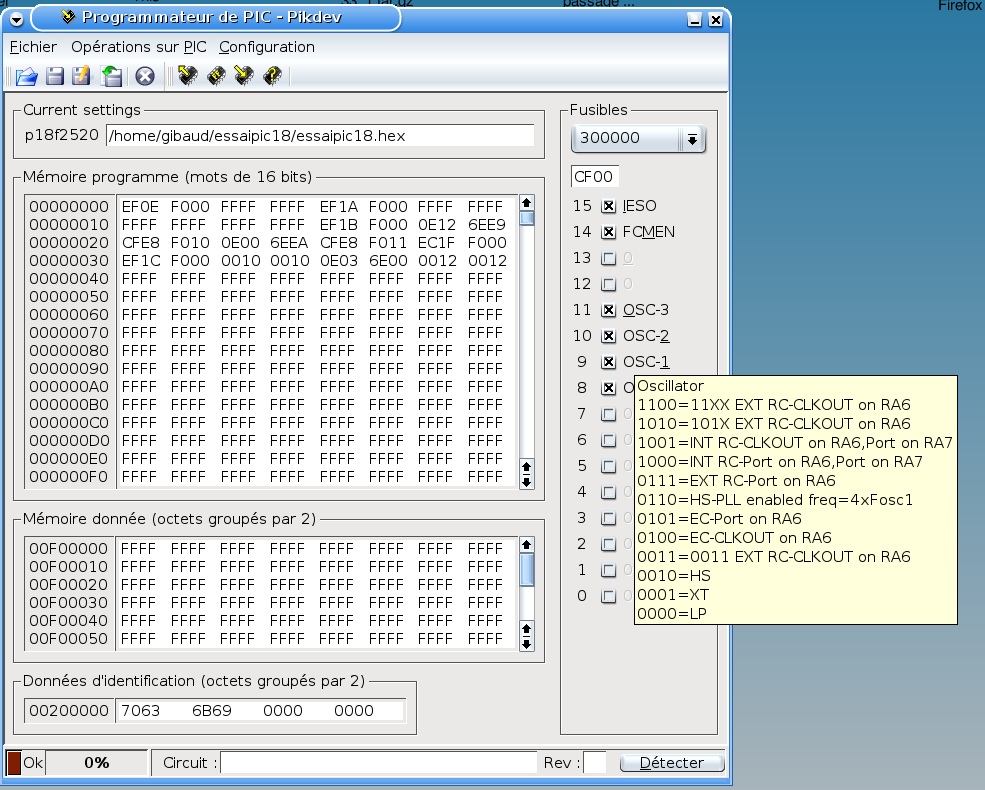
Click to see full-size image
- Can be used as an independant programmer,
- Data memory, Program memory, ID memory and config fuses are editable,
- Hex file Load and Save,
- Read, Program, Verify, Erase device capabilities,
- Devices are autodetected (when applicable),
- Programming option choice (when applicable),
- Progress bar,
- Config bits documented by tootips,
- Toolbar reconfiguration

Click to see full-size image
- gpasm/gpdasm options choice
- Include directories may be specified as relative to the source file directory
- target device and hex file format can be automatically selected by source code analysis

Click to see full-size image
- Standard programmers settings selection (new std settings can be added by user)
- Parallel or Serial port selection (available ports are automatically probed)
- Pins and polarity selection (by pin names or DB9 pin numbers)
- Configuration checking
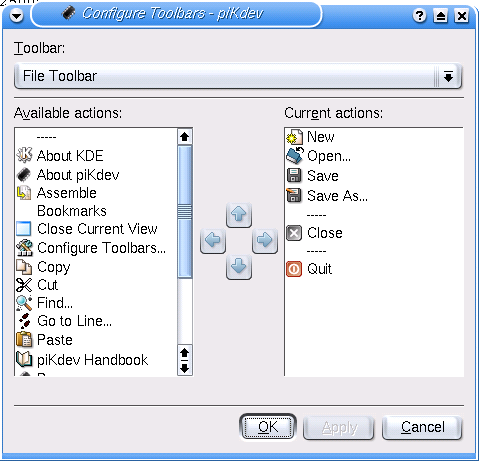
Click to see full-size image
- Standard KDE configuration widget